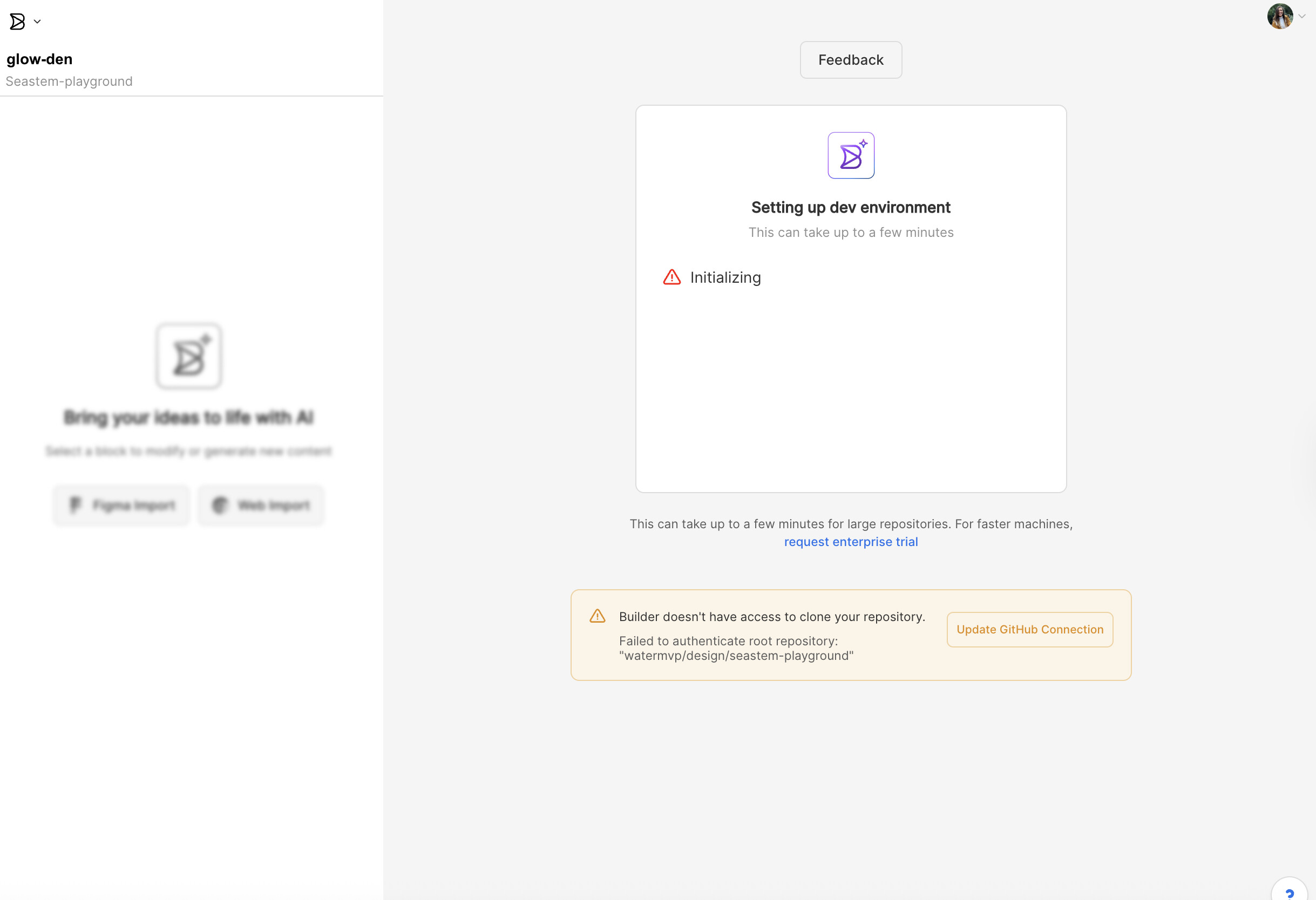
Hi please I need HELP ASAP. Im really blocked, I was trying to connect the Gitlab repo to one of my projects and when I tried everything crashed, everything was deleted. I cannot work on anything, please help me. I’m losing so much time for this.
Builder content link I CANNOT EVEN SHARE YOU THE LINK. Because you deleted all of my projects.
Builder public api key
c8c28c0aa96f42fbbf85b3ee51039329
Detailed steps to reproduce the bug go to a project, in the advance settings try to connect a Gitlab repo. Now everything crashes.
Hi @Mariaberrocal welcome to the Builder forum. I can confirm I don’t see any projects in your space. We are currently looking into this and I will update you with my findings soon.
Hi Stephane, yes I can see them now. MANY THANKS. But Im still wondering why did it happen in the first place? The problem was when I tried to connect the Gitlab repo to the project. Im scared to even do it again, but is there any way you can help with it?
Hi @Mariaberrocal , we’re not entirely sure what’s causing this, as connecting your GitLab repo shouldn’t normally trigger that issue. Could you please try connecting it again? If the problem happens once more, just let us know and we’ll dig in right away."
Hi! sure. Here’s a step by step of what Im doing and the issue that comes up. Let me know if there’s something I can try to make it work. I was really looking forward to working with my design system that’s located in a Gitlab repo.
Hi @Mariaberrocal , I understand as per your call with Saee that your issue is resolved. So I am going to close this thread. Let me know if there is anything else I can help you with.