My local repo was connected to my builder.io space and was working great. I logout from my builder.io account and after some days after I resign but when I ran the builder.io vs code extension, my repo didn’t appear connected to the space. I ran npx @builder.io/dev-tools@latest launch and select the space but still the repo doesn’t appear in the space projects to continue working on it.
Builder content link
The problem is that the content is not showing in the space.
Builder public api key
529f44de1ad240b4b20169a1f671a633
Detailed steps to reproduce the bug
I’m running vs code, select the builder.io extension and run it. The Builder.io interface opens and my website works great in the http://localhost link, but in the space the project doesn’t appear and if I tell the AI to do some code change to my local files, it starts creating new files outside my local repo. I tried running npx @builder.io/dev-tools@latest launch and select the space but still the repo doesn’t appear in the space projects to continue working on it.
Screenshots or video link

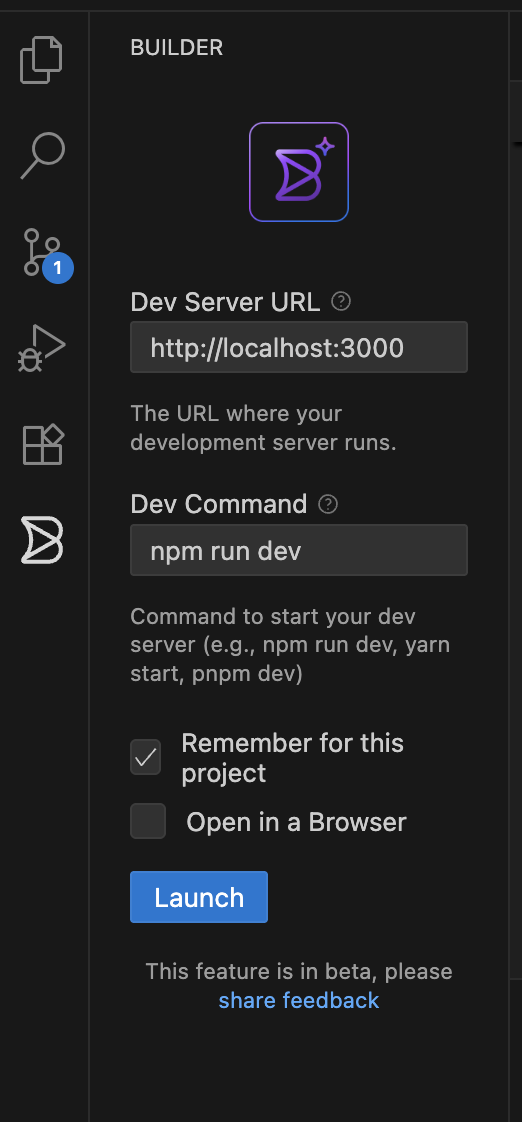
Code stack you are integrating Builder with
NextJS + Vite
Reproducible code example

