- how to i create environment variables? i cannot create .env ?
- in general can i add new files to project manually? cannot find such option
thanks
thanks
Hi @eded
Thanks for reaching out! Welcome to Builder.io. I’m happy to help answer your questions:
1. Creating Environment Variables (.env file)
Currently, you cannot directly create a .env file in the Builder.io Fusion. However, you can manage environment variables through the Builder.io dashboard:
Go to your project settings
Navigate to the “Environment Variables” section
Add your variables there with their corresponding values
These variables will be available to your project at build/runtime without needing a local .env file.
2. Adding Files Manually to Your Project
Yes, you can definitely add files manually to your project! Here’s how:
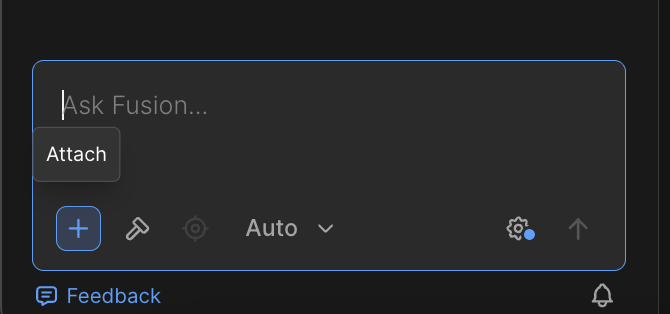
In the Fusion chat, click on the “+“ icon to upload any files you need with a prompt that looks something like - “add this file in my code section“
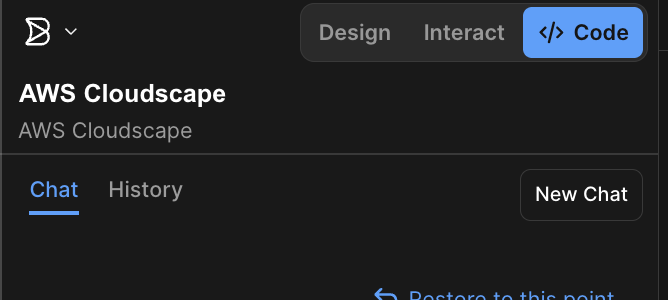
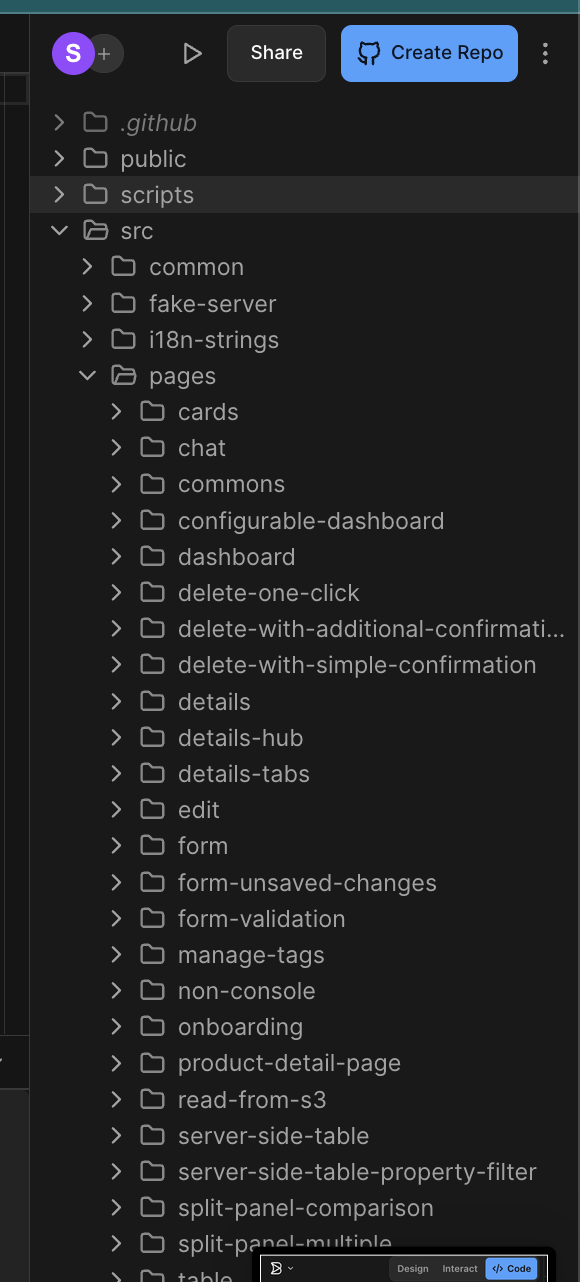
Once uploaded, you can view and make changes to these files directly within the Code section
This gives you full flexibility to manage configuration files, scripts, and other assets while working on your project.
Hope this clears things up! Let me know if you have any other questions or need help with anything else.