Builder content link
Project 1
Project 2
Project 3
Builder public api key
9a30b0cd01e34caf92a9411be62f4ea2
Detailed steps to reproduce the bug
I’m new to Builder.io, I’m testing the app so I can recommend to the company I work for.
I tried setting up two different Git repos in three different repositories (two using yarn, one using npm): all face the same problem:
info There appears to be trouble with your network connection. Retrying…
And it stays there, forever.
Screenshots or video link
Code stack you are integrating Builder with
Both apps are Next.JS
Hello @fabiobachi
We are currently reviewing your projects and setup. Our initial investigation suggests that the issue may be related to installing dependencies. We’ve shared this feedback with our team and will get back to you as soon as we have an update.
Thanks,
Hi @manish-sharma ! Are there any updates on this?
I have until tomorrow to present a solution to my leadership, and I would like to have tested Builder.io before that. If not possible, we’ll have to move on.
Thanks!
Hello @fabiobachi,
We had a look at those projects, and projects are failing because of multiple reasons. We are able to get one working Builder.io: Visual Development Platform
Which requires you provide env variable values.
We are working on fixing other 2, you can expect an update shortly.
Thanks,
Hello @fabiobachi
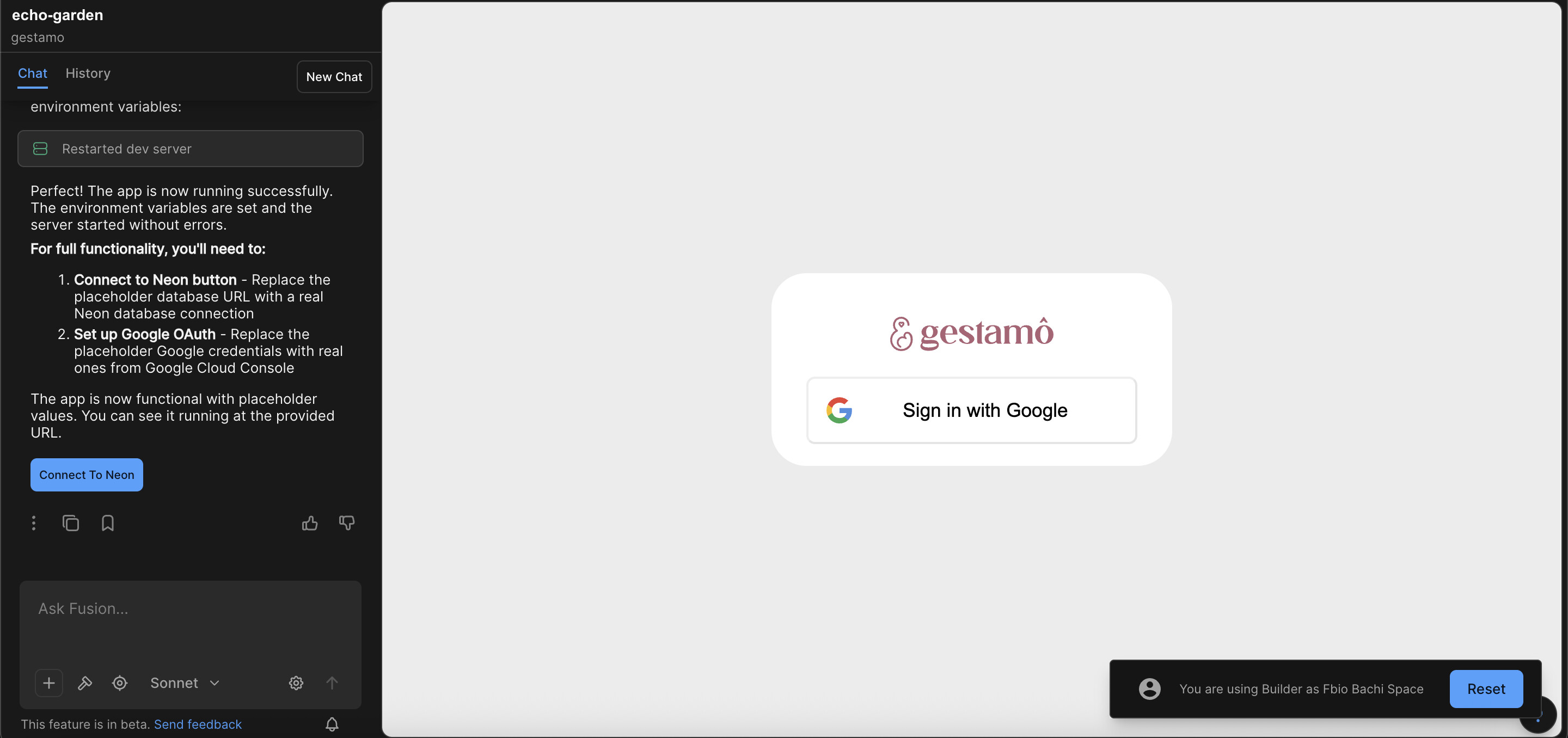
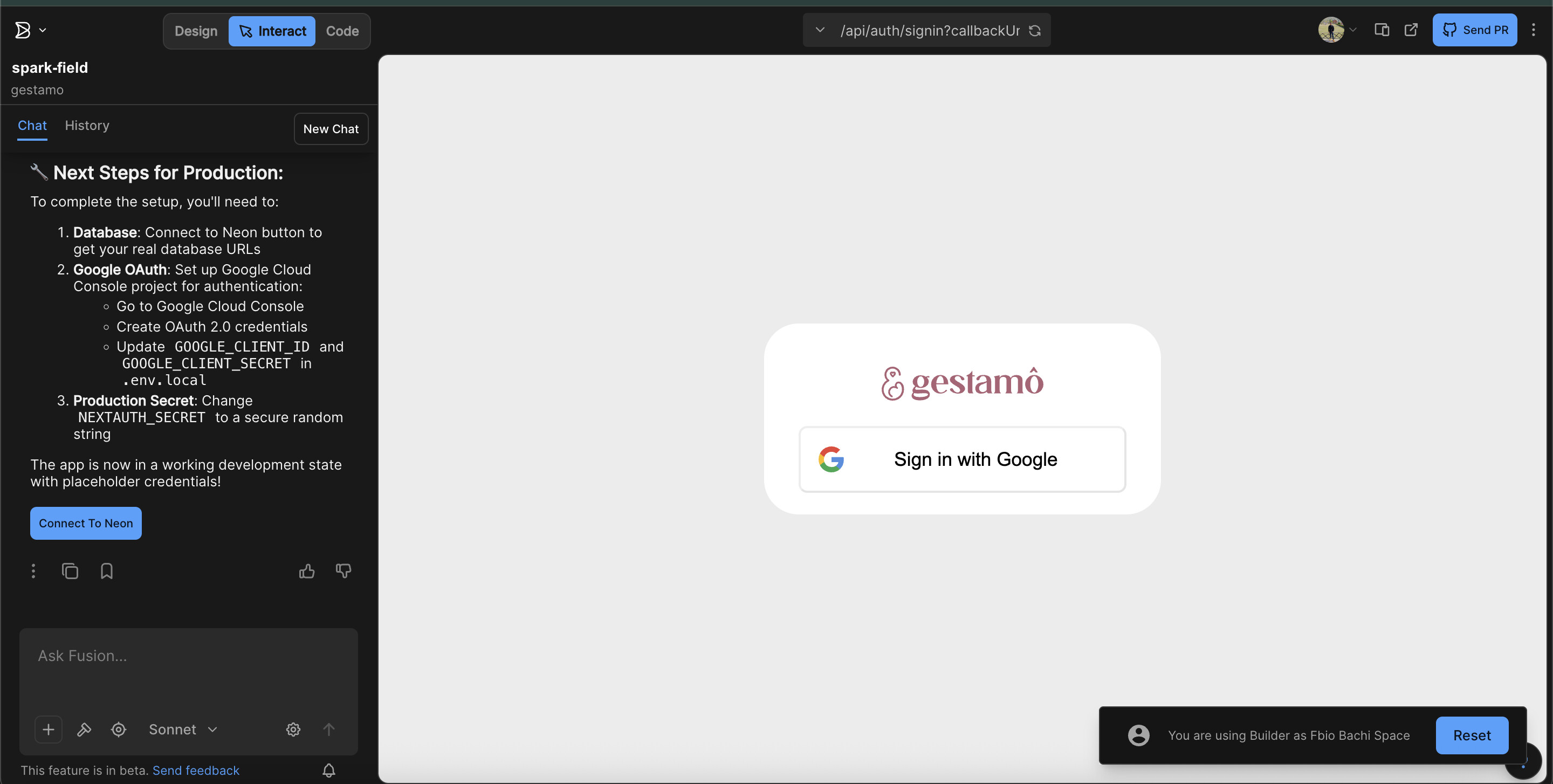
The 2nd project is also loading now, you need to connect your database and setup other required env variables, to get it working fully.
Hello @fabiobachi
We have all 3 projects loading fine now
Hope this helps! Let us know if you come across any other issues.
Thanks,
Thanks @manish-sharma ! Earlier this morning I was still seeing the dependency install error, but seems you guys fixed it.
Thank you so much!