Hi, Builder team.
So, I got this weird behavior that keeps happening frequently, whenever I want to add an image or background image to a box inside a column. Here are the two main issues.
First, Can’t Change the Background Image of a Box
We already have the background image working properly in the current live website. But somehow, when I tried to change the image in a box inside a column, the image did not show up. See the screenshot below.
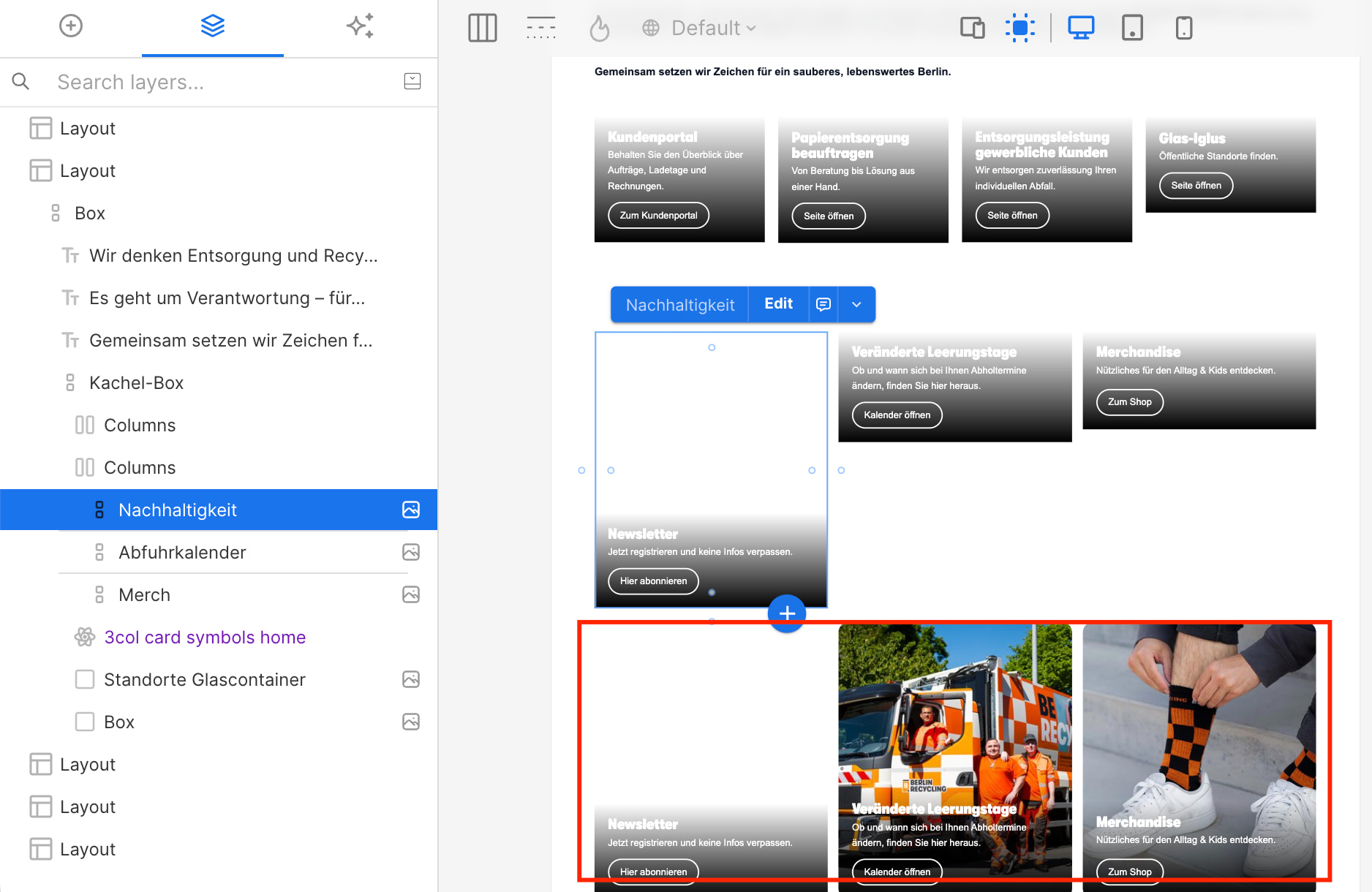
Homepage
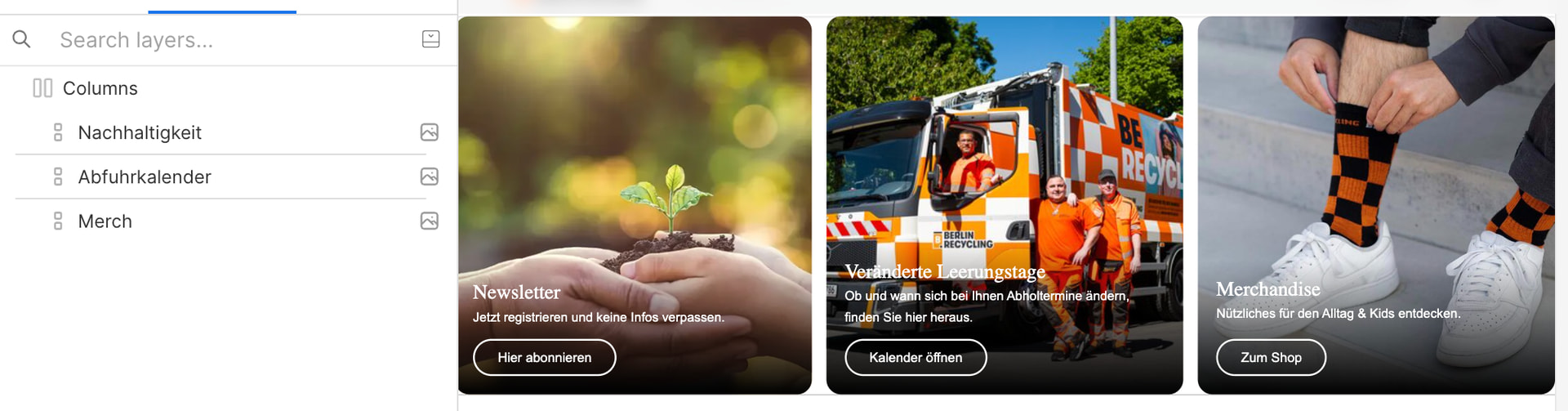
3col card symbols
I even tried to convert the whole column into a symbol (see red rectangle), but the issue still happened.
Second, CSS is Only Properly Applied at the Symbol Level, but not in a Homepage
Because of the first issue, I tried to recreate the card as an individual symbol and name it “Full image card“. In this symbol, it no longer uses a background image. Instead, I create an image overlapping with the text (by applying position absolute and z-index 0 to the image), so I can still keep the same design, but with a different approach. Just in case it can solve the issue.
However, another issue happened.
Everything looks fine at a symbol level. Image can be displayed, padding for the box of the text & button can be applied, image and box can overlap. I publish it and check the homepage.
Here on the homepage, the image is displayed, but not overlapping with the box. The padding of the box does not apply as well. See the screenshots.
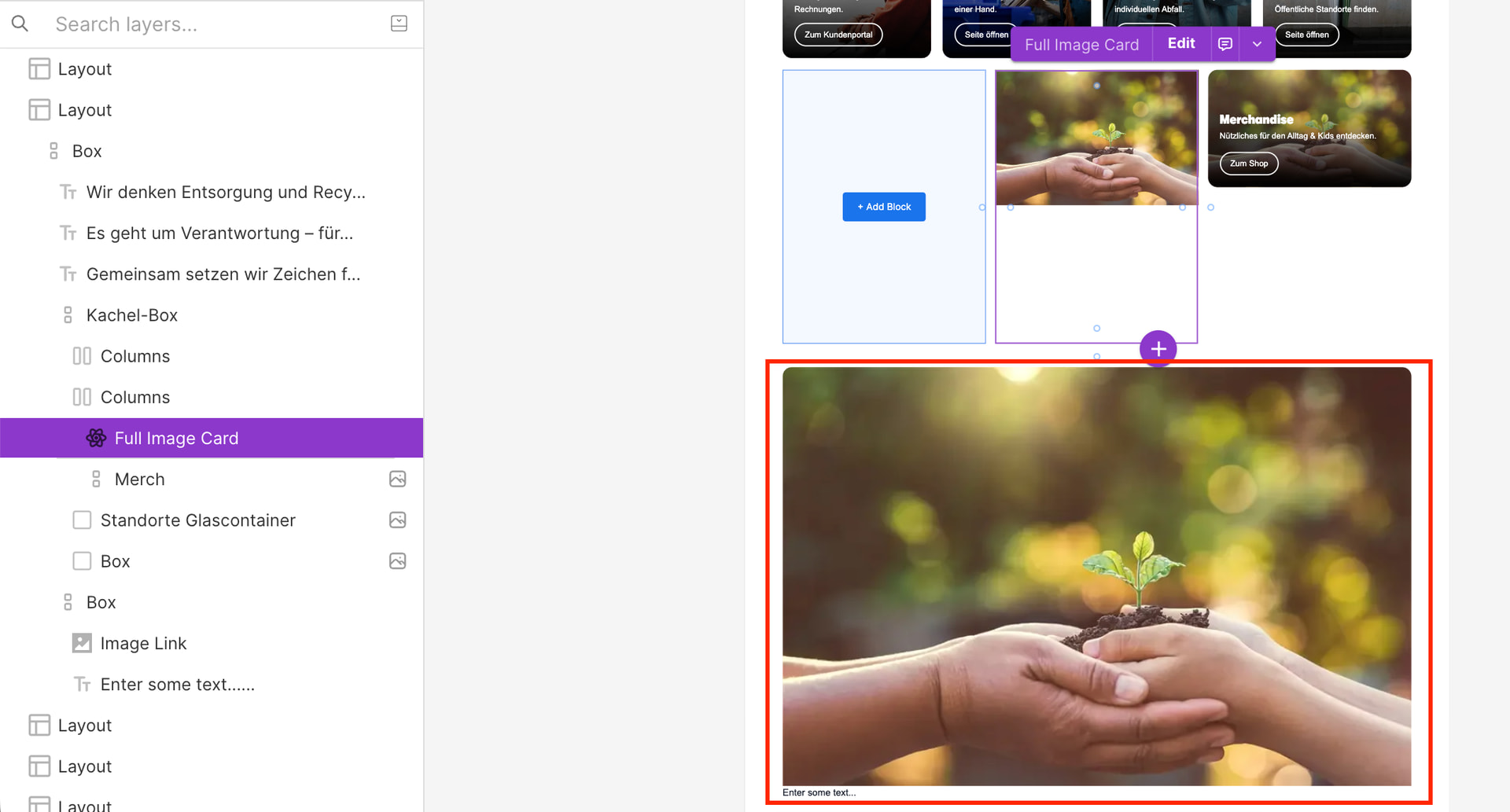
Purple: Full Image Card symbol, Red: regular box with position-absolute image in a homepage

Full Image Card symbol in a Symbol level
______________________________
I really want to know if this behavior is coming from a bug inside Builder, or if there is anything I can do to fix this.
Thank you.
Builder content link
Builder public api key
-
Detailed steps to reproduce the bug
-